Everything you need to know before participating in an Ed Soul Entertainment karaoke show, Karaoke Battle, or Trivioke competition.
Karaoke • Karaoke Battles • Trivioke

🎤 Karaoke: How It Works
Ed Soul Entertainment is committed to providing a welcoming, organized, and enjoyable karaoke experience. Follow the steps below to submit your song, understand the rotation, and prepare for the stage.
1. Submit Your Song Request
Choose the sign-up method that is most convenient for you:
- Online Songbook: Search by song title or artist and submit your request through the online songbook.
- Offline Songbook: Browse the offline song catalog before choosing your song.
- Text Message: Send your name, the artist, and the song title to (505) 226-2863.
- Venue Kiosk: Submit your request at the kiosk located near the DJ booth.
- Ask the Host: If another method is unavailable, speak with the karaoke host and provide your name, artist, and song title.
2. Wait for Your Name to Be Called
Once your request is submitted, you will be added to the singer rotation. Please listen for your name and be ready to approach the stage when called. If you need to defer your turn, let the host know.
3. Microphone Care and Sanitation
- Microphones are sanitized between singers.
- Disposable microphone covers are available upon request. If you plan to reuse one during the evening, keep it with you and remove it from the microphone after each performance.
- Hand sanitizer is available for guests who wish to use it.
- A shared microphone stand may be used during the show. Please use the available sanitizer if desired.
4. Understanding the Singer Rotation
Ed Soul Entertainment uses a rotation-based system designed to balance returning singers with new arrivals:
- Your first song request places you in the rotation and allows you to submit additional songs.
- During the first hour, new singers are generally introduced with a target wait time of no more than 30 minutes whenever the number of requests allows.
- As the show becomes busier, new singers are worked into the existing rotation as fairly as possible.
- Before the final hour, you may provide another request when your name is called or defer to the next singer.
- During the final hour, singers without a song queued may be skipped so the show can continue efficiently.
- The host will announce when the schedule is full and no additional singers can be accommodated.
Fairness policy: Tips are always appreciated, but they will not move a singer ahead in the rotation. At the host’s discretion, a tipped performance may be scheduled after the advertised show time if the venue remains open.
5. Enjoy the Experience
Karaoke is about entertainment, connection, and having fun—not auditions or professional competition. Sing your favorite song, support the other performers, and help create a positive atmosphere for everyone.
Looking for a virtual option? Visit the Online Karaoke page.
Recording and Broadcast Notice
By singing or otherwise participating in karaoke, you acknowledge that your performance may be livestreamed, recorded, photographed, or used in promotional content for Ed Soul Entertainment. If you prefer to remain off camera, notify the host before participating.
⚔️ Karaoke Battles
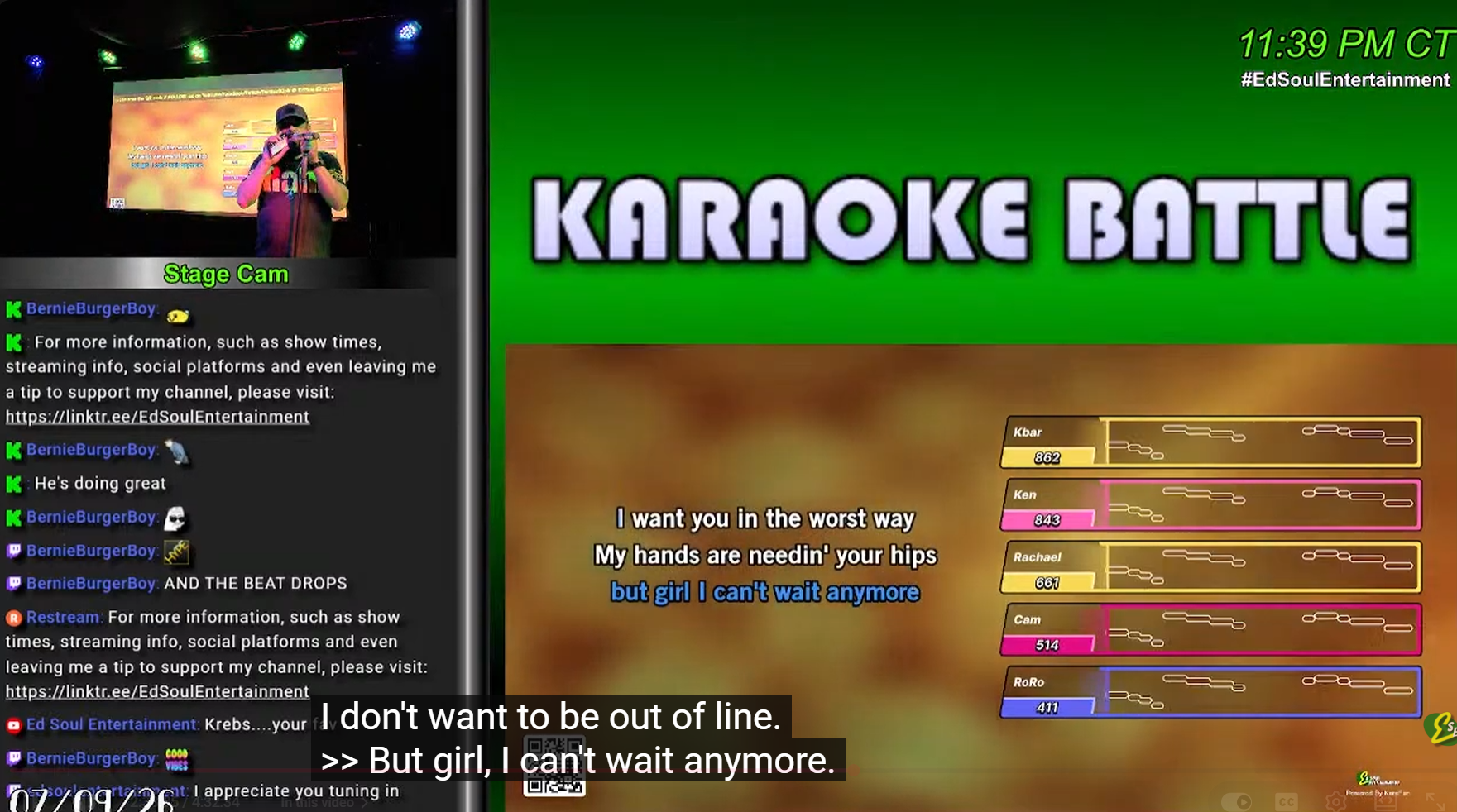
Karaoke Battles add a friendly competitive element to the show. Singers compete in an organized matchup while the audience follows the action.
1. Register for a Battle
Tell the host that you are interested in competing. You may register through the available digital request system or speak with the host during the show.
- One-on-One Battle: Two singers compete.
- Three-Person Battle: Three singers compete.
- Open Play Battle: One singer competes against the crowd.
Participation is subject to opponent availability and the time remaining in the show. All experience levels are welcome.
2. Select Your Song
The singer whose turn is currently active—the home singer—selects a song from the available karaoke catalog. Choose a song that fits your voice, showcases your personality, and connects with the audience. Avoid excessively long selections and do not intentionally duplicate another competitor’s song.
The host may establish a song-selection deadline to keep the show on schedule.
3. Take the Stage
The host will introduce the competitors and explain the matchup. A mobile device is required to participate in the competition. Bring your energy—the audience is part of the experience.
4. Results and Standings
AI-assisted voice analysis is used during the competition to help determine the winner. The host announces the result before the regular karaoke rotation resumes.
Official results are recorded as part of the Ed Soul Entertainment season standings. Competitors may receive:
- A win or loss on their battle record
- Placement on the Karaoke Battle leaderboard
- Recognition in SAMAYCAMS updates
- Eligibility for year-end competition
5. Battle Rules
- Treat the host, competitors, venue staff, and audience with respect.
- Do not insult, intimidate, distract, or interfere with another performer.
- Be ready to perform when called.
- Song changes may be limited after a battle is scheduled.
- The host may delay or cancel a battle because of time constraints, technical issues, or venue conditions.
- All host decisions are final.
- Compete enthusiastically, support the other singers, and have fun.
Ready to Battle?
Submit your name and song, find an opponent, and step up to the microphone.
Sing. Compete. Win. Repeat.
🧠 Trivioke
Trivioke combines karaoke and trivia in a fast, interactive competition. You do not need to sing to participate.
1. Join the Game
Ask the host how to register when you arrive, then enter the name or nickname you want displayed on the leaderboard.
2. Listen for Each Trivia Round
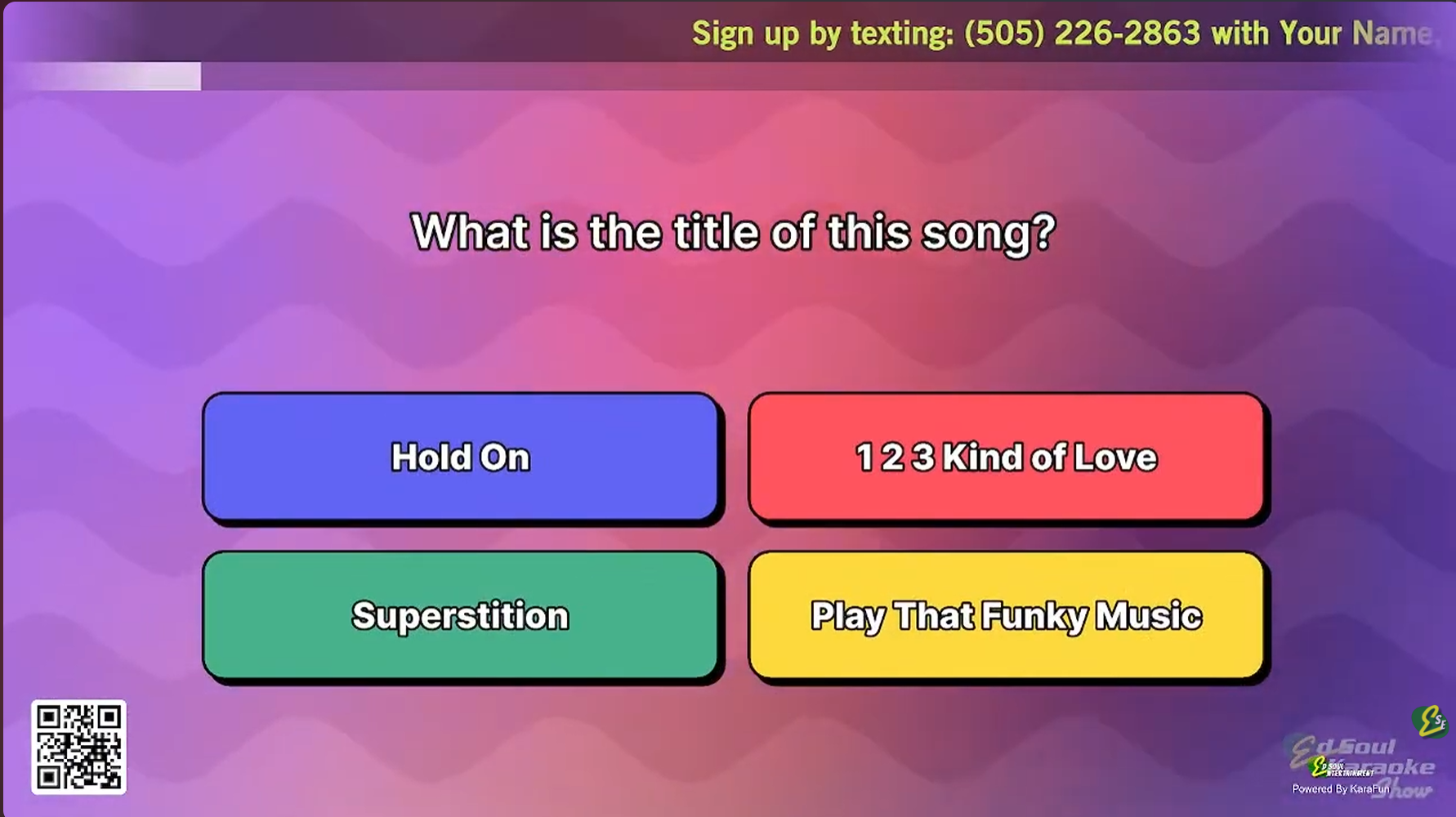
A trivia question is announced at the beginning of each karaoke rotation. Listen for the host’s instructions and be ready to answer.
3. Submit Your Answer
Use the designated digital participation method to submit your answer before time expires. If needed, ask the host for assistance.
4. Earn Points
Correct answers earn points toward the nightly and annual Trivioke standings. Questions may cover music, movies, television, sports, general knowledge, and other entertaining topics.
5. Follow the Standings
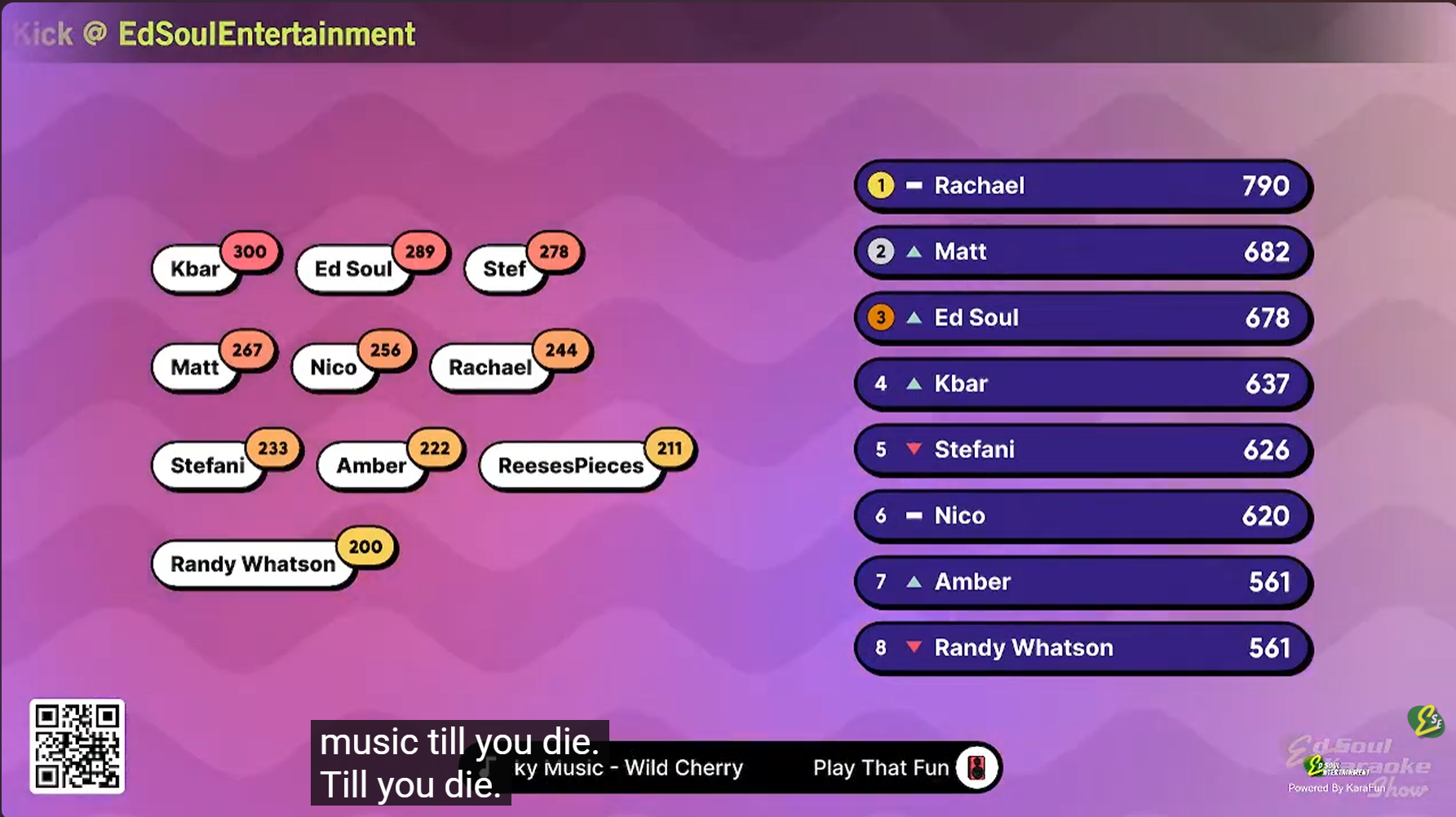
Participate in as many rounds as possible to improve your position. Updated rankings are shared through Ed Soul Entertainment and SAMAYCAMS updates.
6. Compete for the Championship
Points earned throughout the year count toward the Trivioke Championship. The 2026 champion will be recognized at the 4th Annual SAMAYCAMS Awards Ceremony in January 2027.
No Singing Required
Join Trivioke whether you are performing, supporting a friend, or simply enjoying the show.
Listen. Answer. Earn points. Become the Trivioke Champion.